
Forgot Password
If you've forgotten your password and need to reset it, this can easily be done from the login page., Please follow these steps or get started by clicking here.
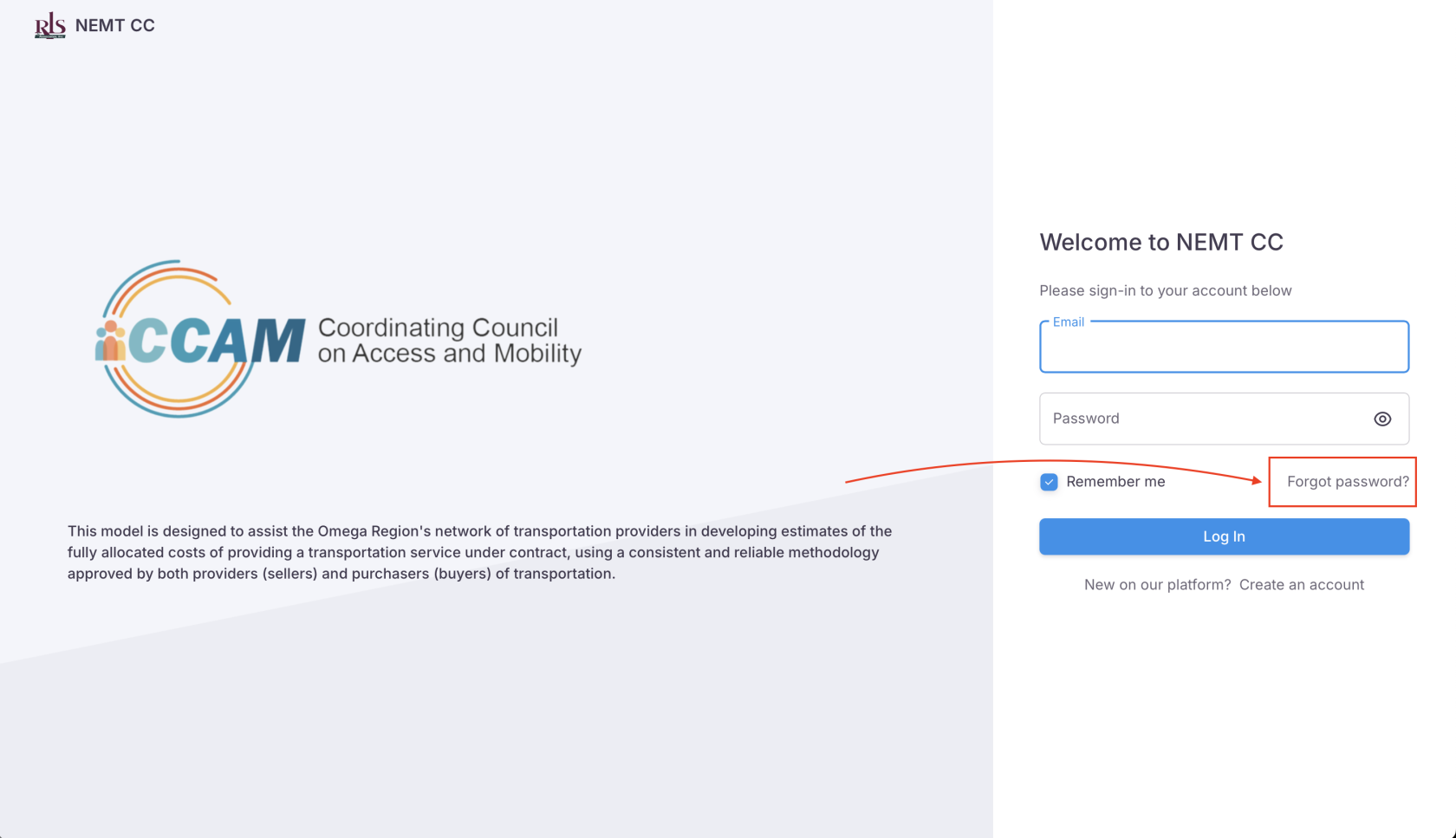
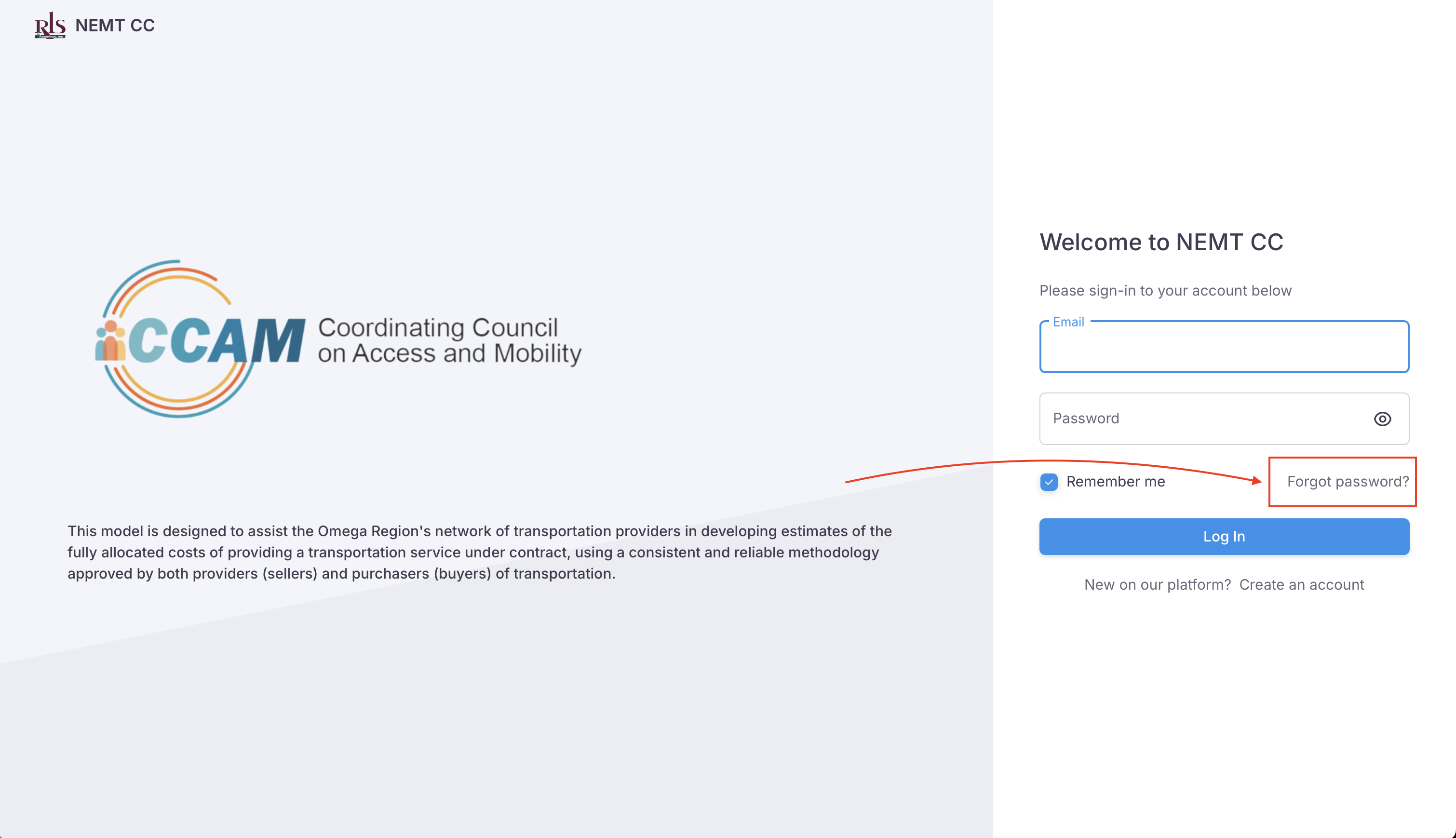
- Go to the NEMT CC login page and select the link, 'Forgot Password'
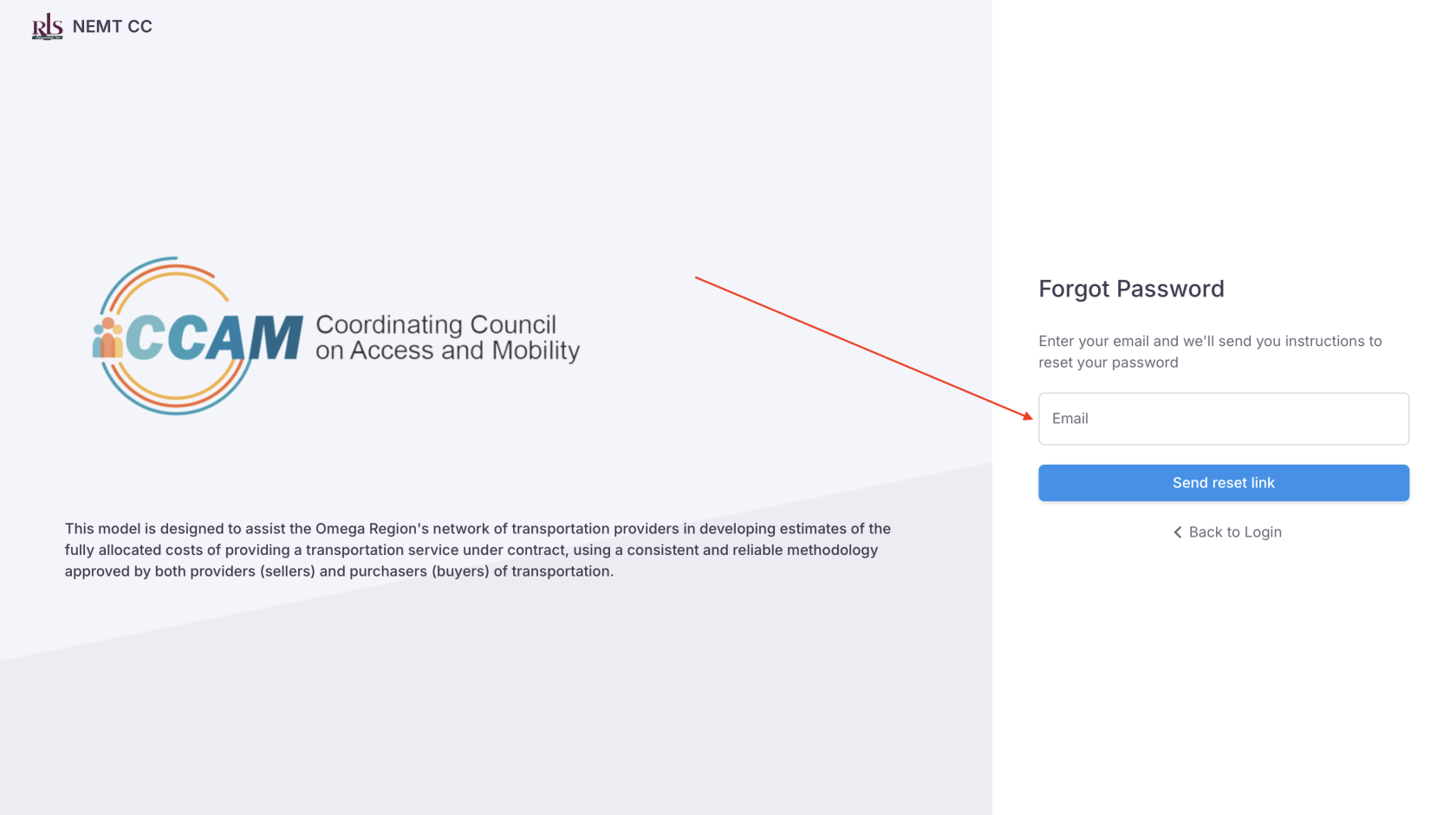
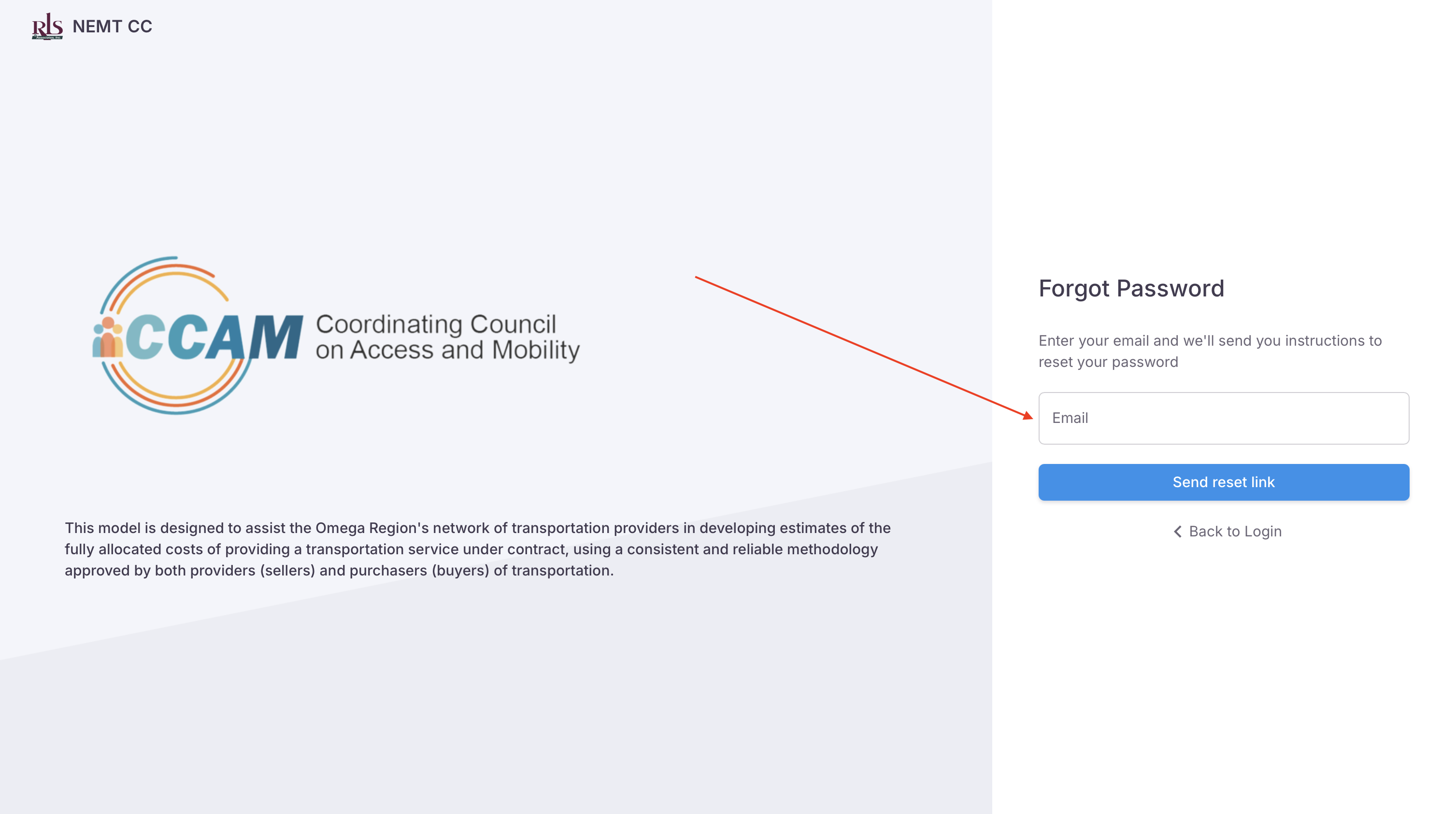
- Enter the email registered to your account and you will be sent instructions to reset your password
- You will receive an email with instructions and hyperlink to create a new password, if you don't see this email in your inbox please check your spam folder
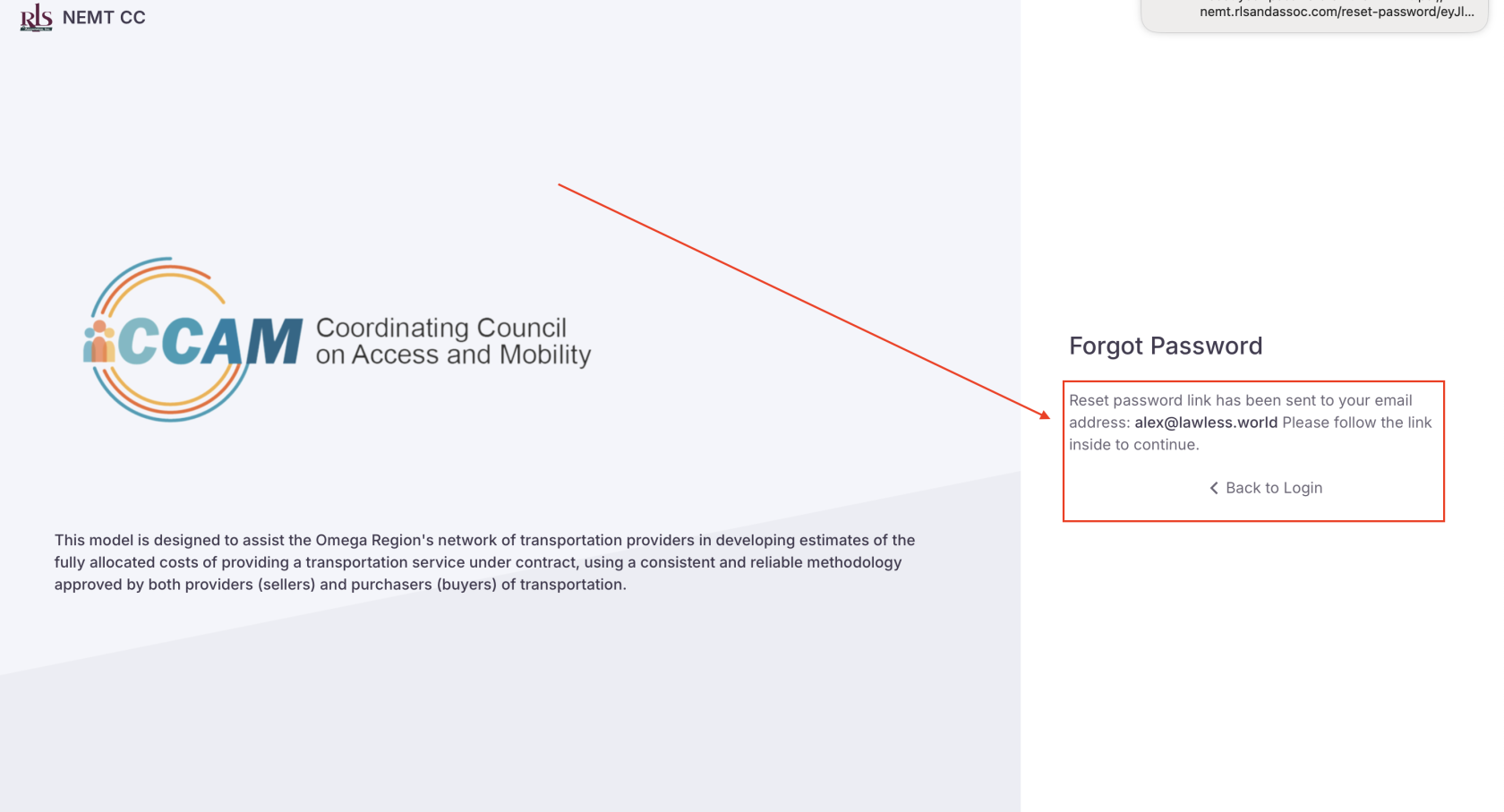 App confirmation of sent mail
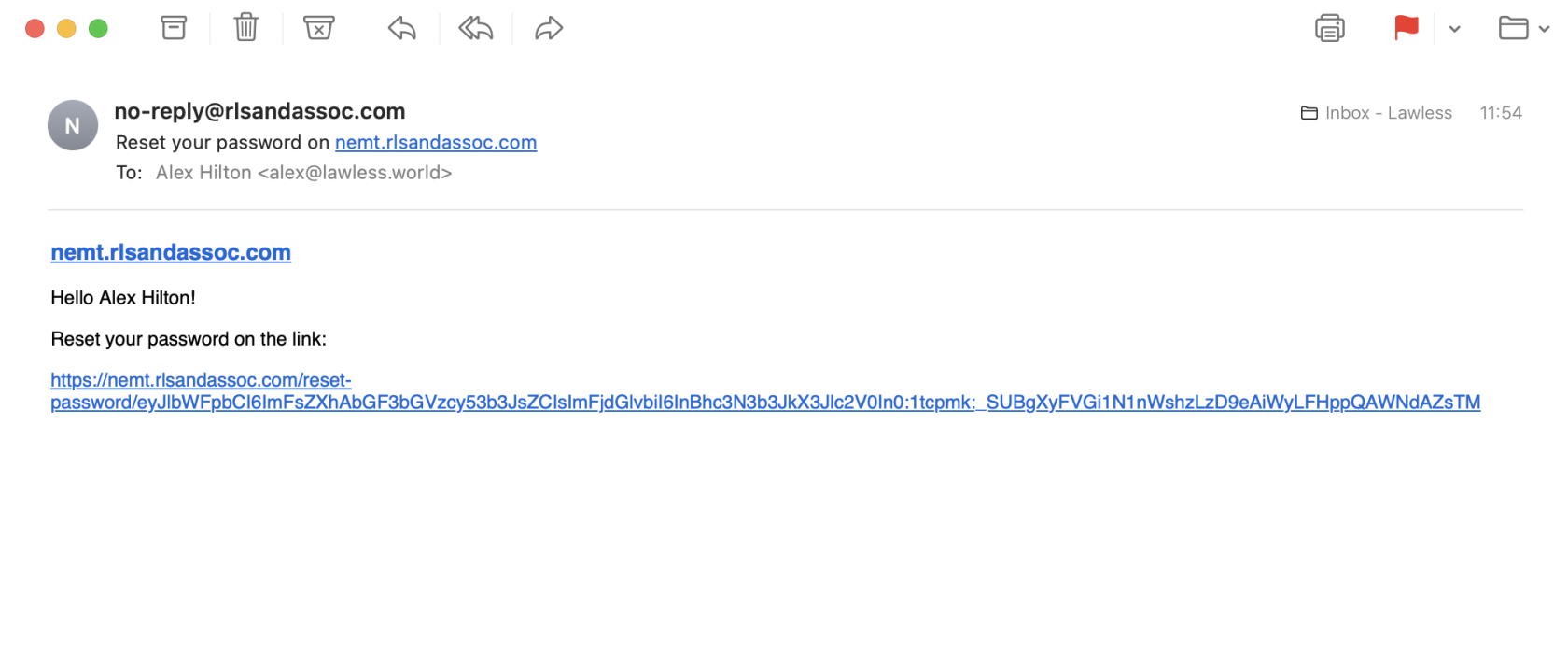 NEMT CC App Email
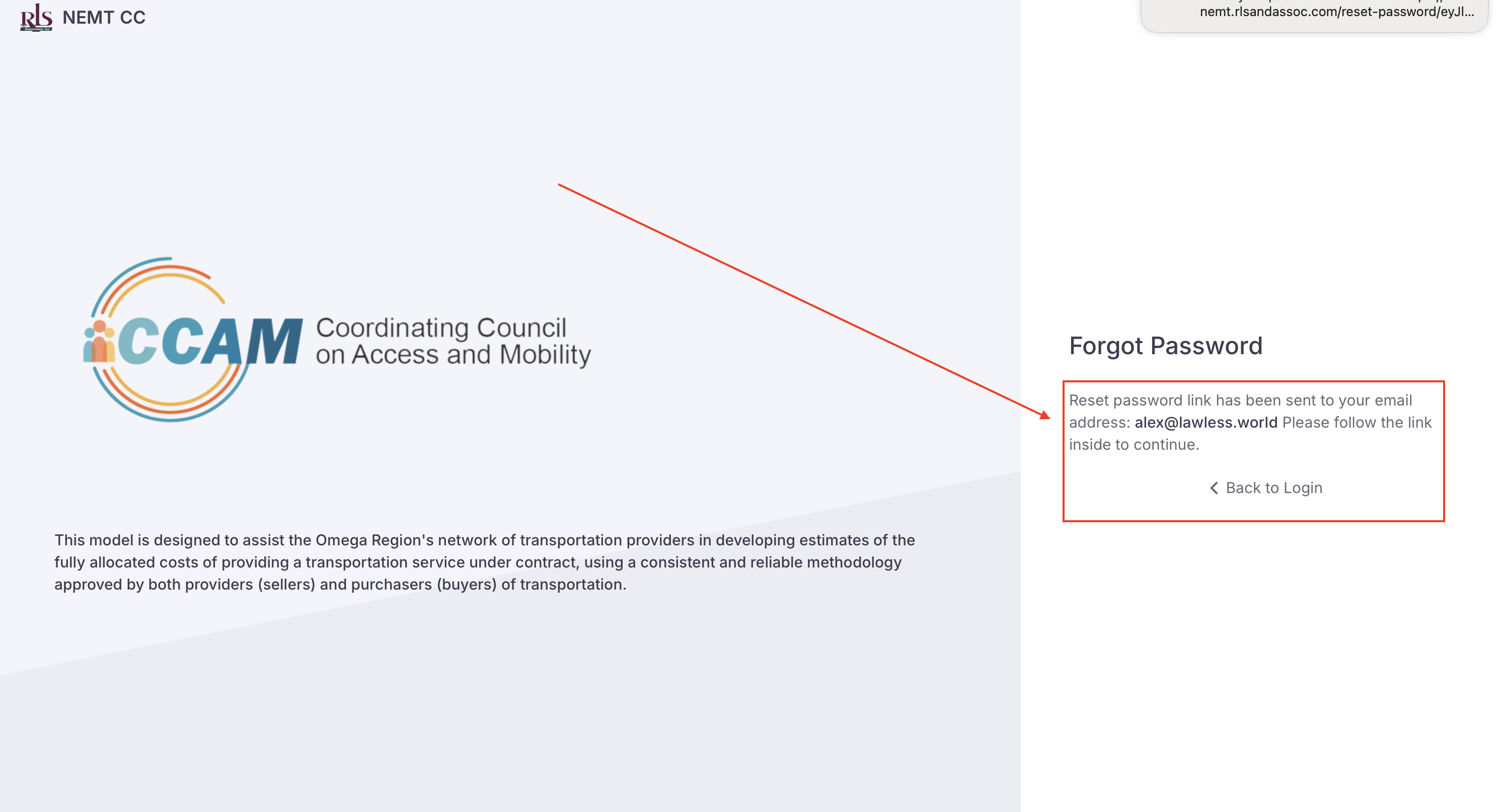 App confirmation of sent mail
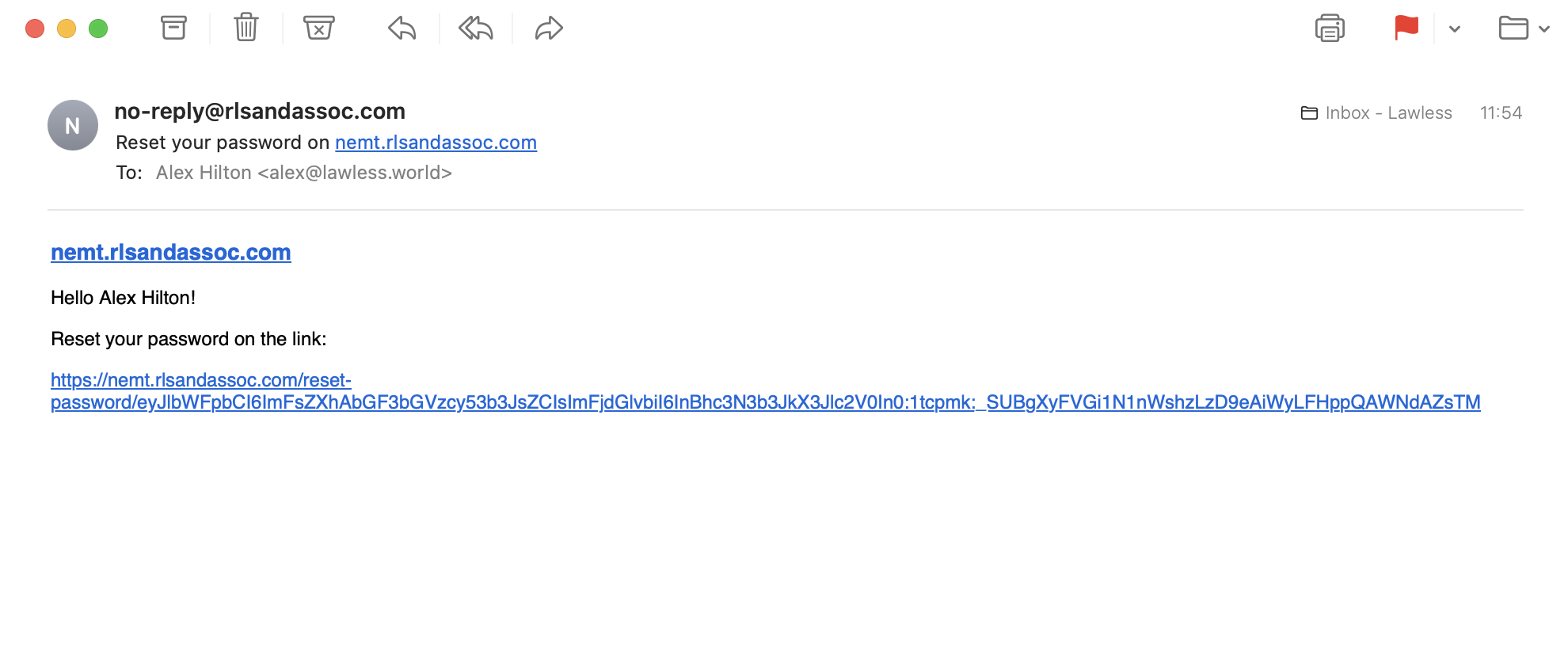 NEMT CC App Email