Importing Trip Data
Overview
In v2.1, users have the ability to import previous run trips through the Cost Calculator in which the Fully Allocated Cost of those trips will calculate.
Import Trips
Importing previously run trips or trips that you want to run in the future is simple and fast; to import trips, please follow the steps outlined below.
1. Download Import CSV Template
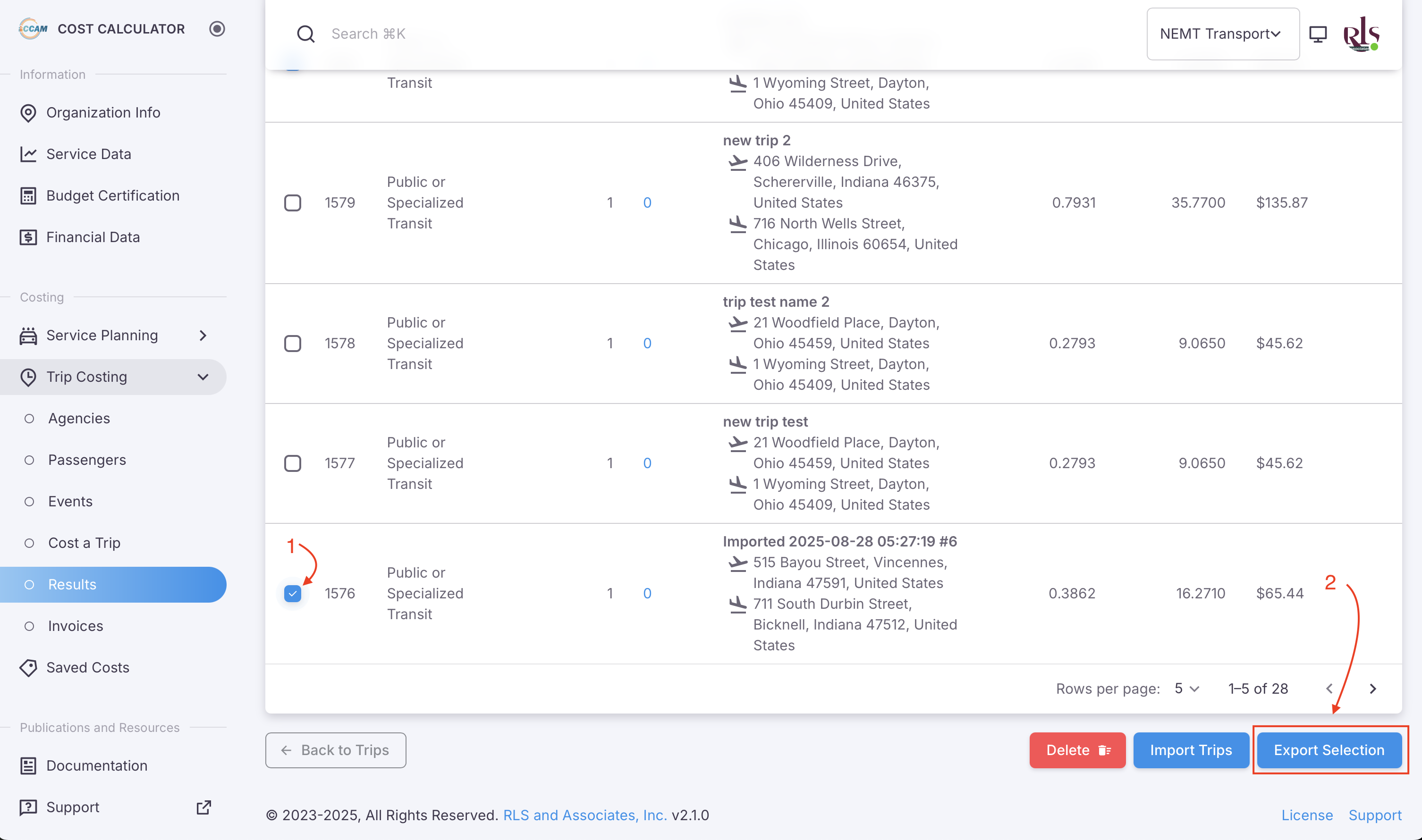
The Cost Calculator allowed format for imports is a CSV file. To download the templated format, simply export a previously run trip from the results screen.
- Select a previously run trip by selecting the checkbox in the far left column
- Located at the bottom of the table, select the button labeled "Export Selection"