Exporting Your Account Information
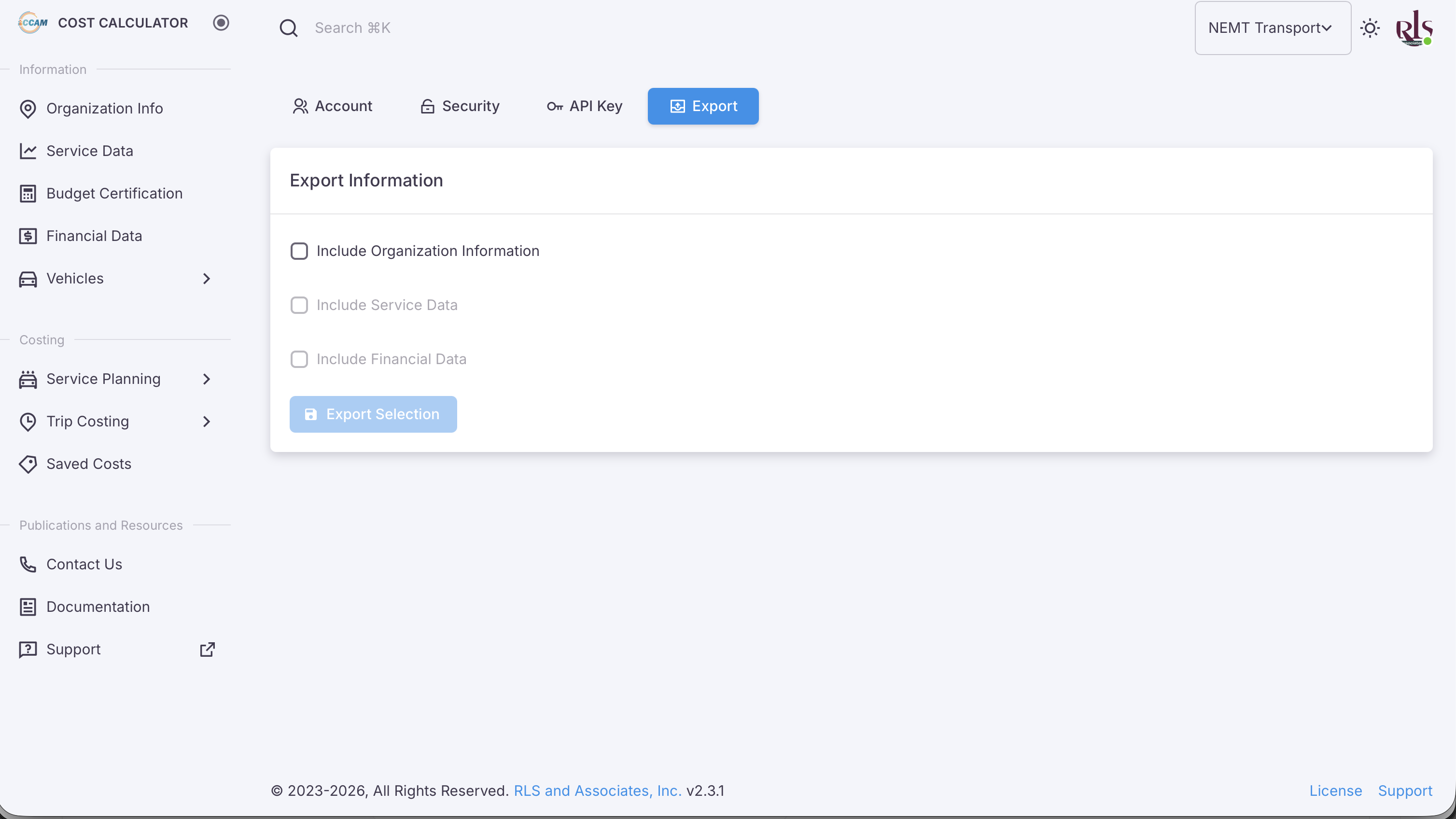
The initial foundation for exporting your account information is now active. By selecting the Export tab in Account settings will bring you to the following screen in which you can export Organizational Information, Service Data and Financial Data.
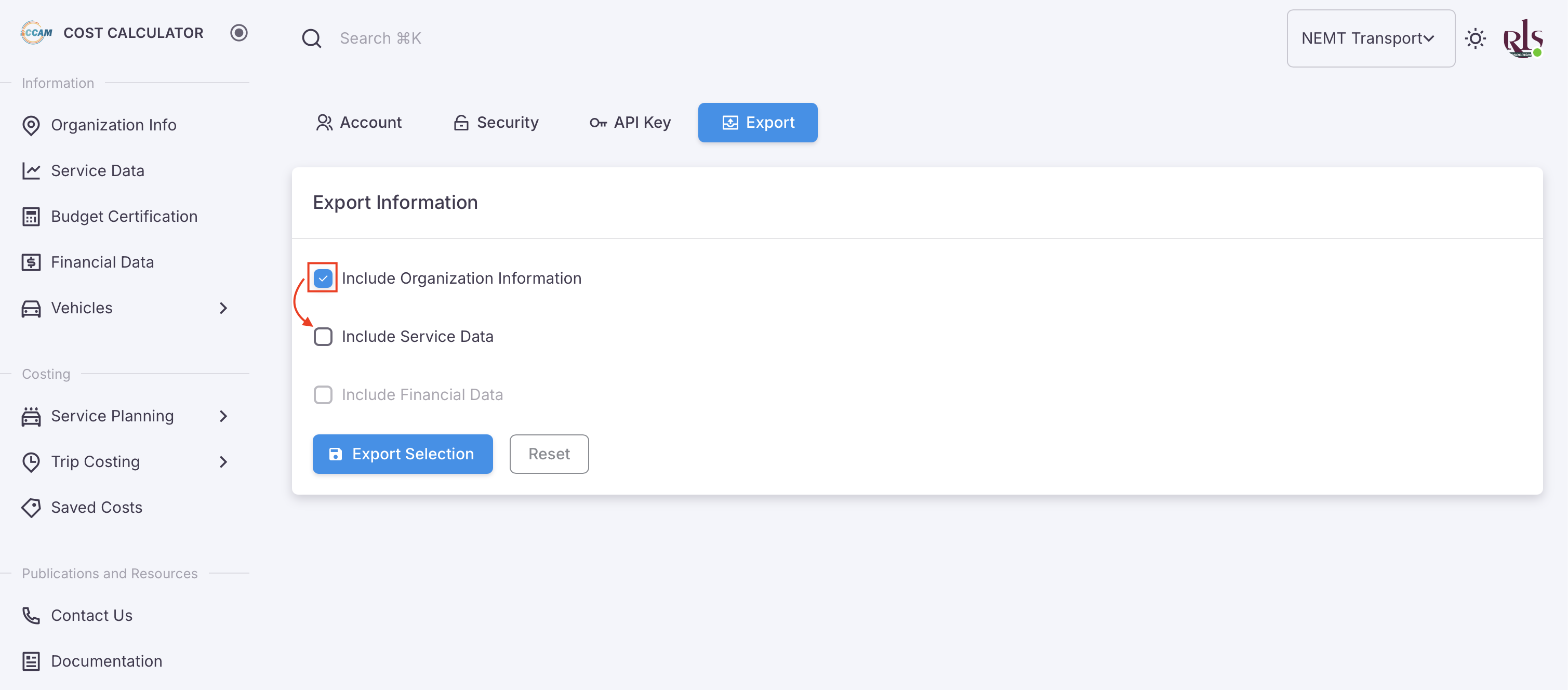
In order to export Service and Financial Data, you must select Include Organization Information first. Once doing so, you can select Service Data as shown in the image below.
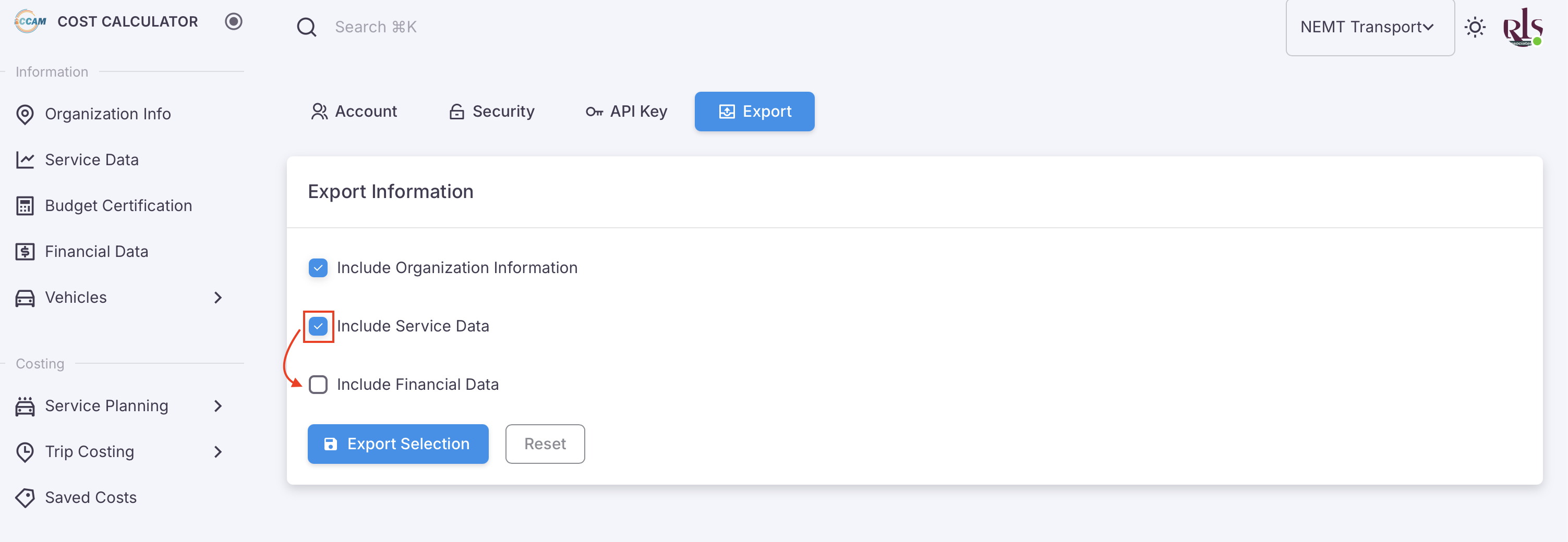
In order to select Financial Data, Service Data must be selected first as shown in the image below.