Creating an Account
Creating an NEMT CC Account
You can create a free account on the NEMT CC by accessing this weblink or from the login page by clicking the hyperlink at the bottom of the sign in form shown in the image below.
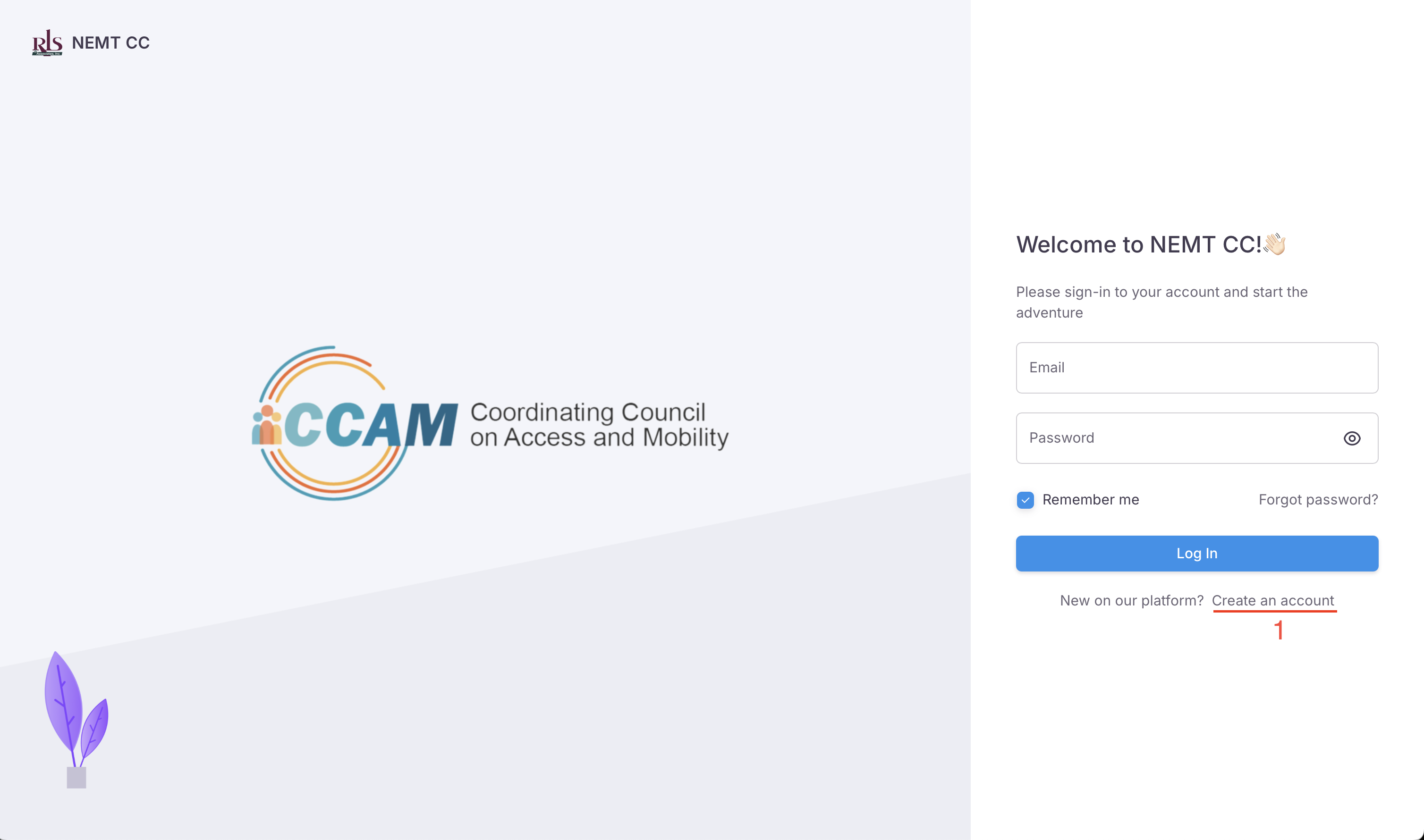
Creating an APP account
The first step in the registration process is to create your NEMT CC APP account. This account will login into the app, reset the account password and receive system notifications. In short, this account will be using the APP.
To create an APP account you will need to provide 4 pieces of information. This information can be updated with new information at a later time.
- First Name
- Last Name
- Password
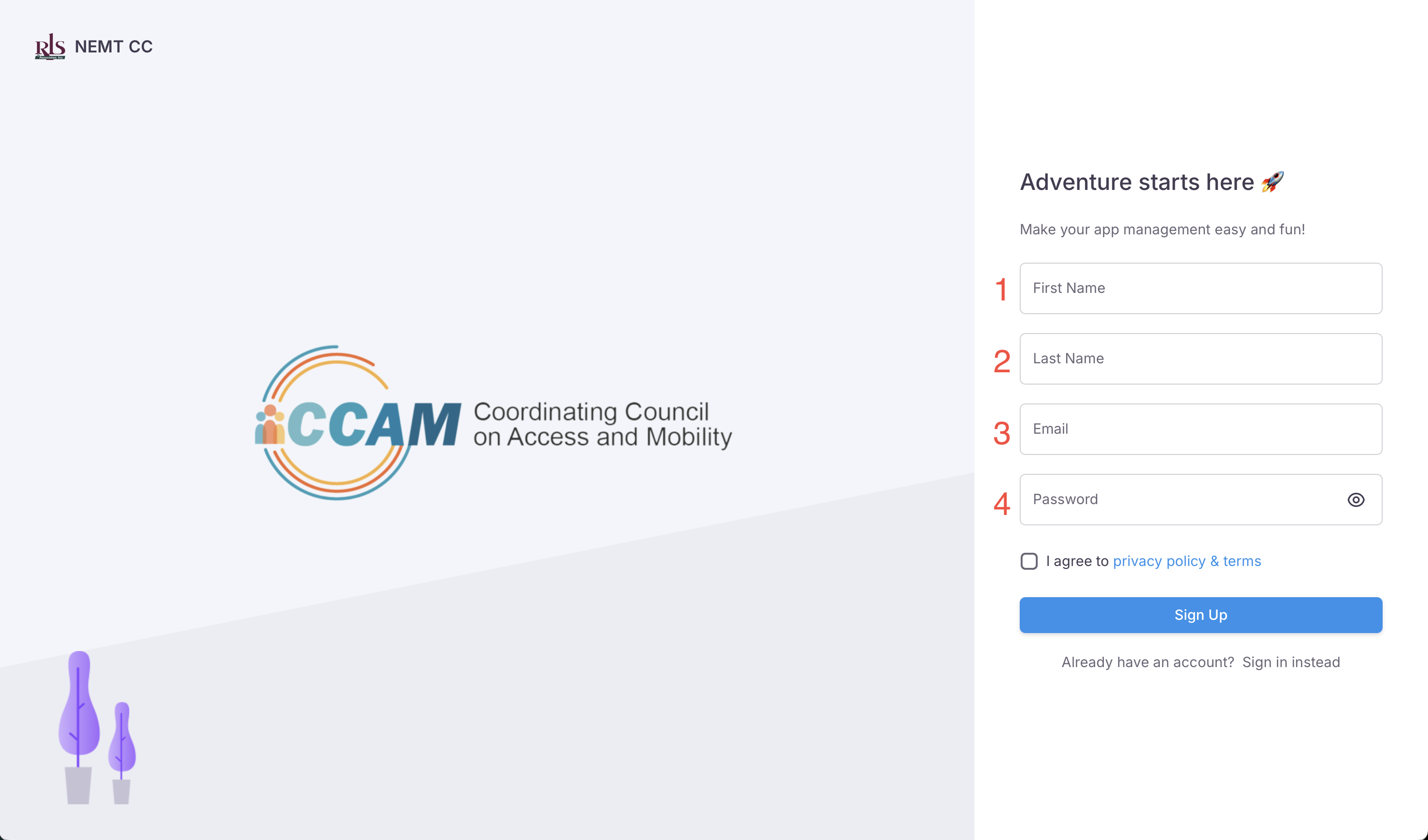 App Registration
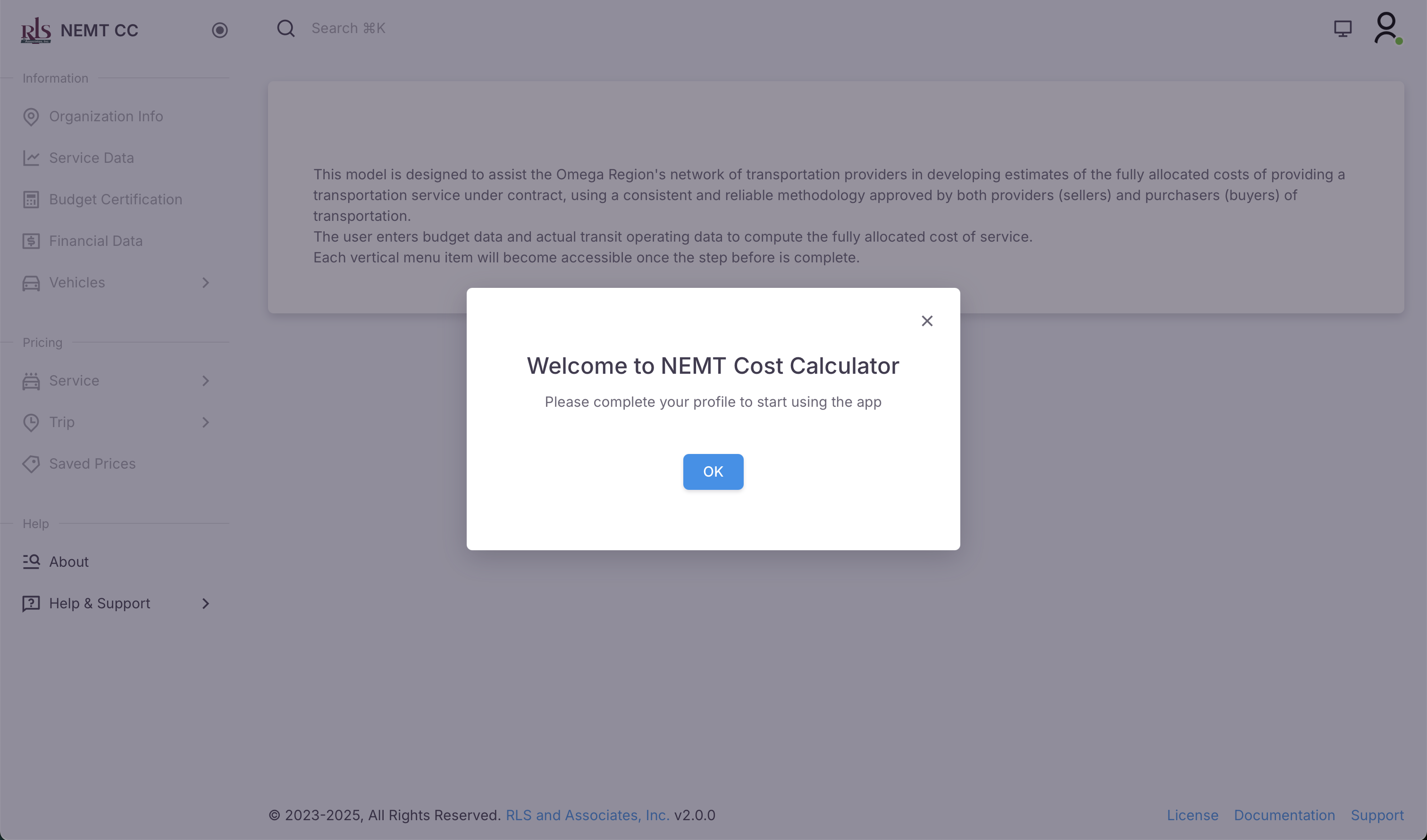 Welcome Popup
System Note
NOTE: The system will not allow you to move forward without answering all required inputs on the form. As shown in the image below, until that field has been completed and saved, the navigation menu will remain in a closed state, where links can not be navigated.

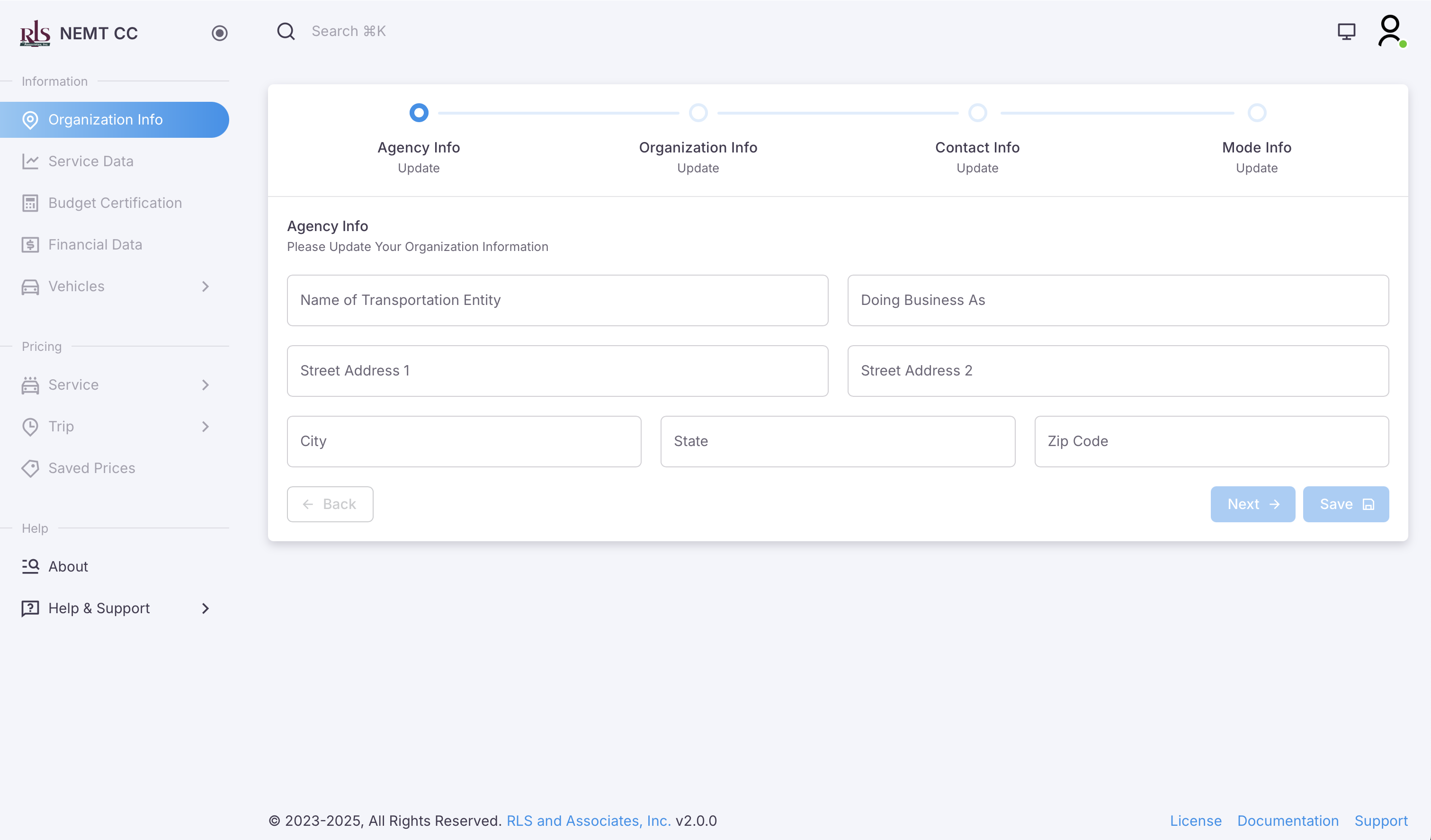
Agency Info
This information is the Agency the transportation trips and services are being costed for. This information can be updated at a later time at the users discretion and the data provided in this field is used only in reporting purposes.
- Name of Transportation Entity
- Doing Business As (Not Required)
- Street Address
- City
- State
- Zip Code