
Creating an Account
Creating an Account
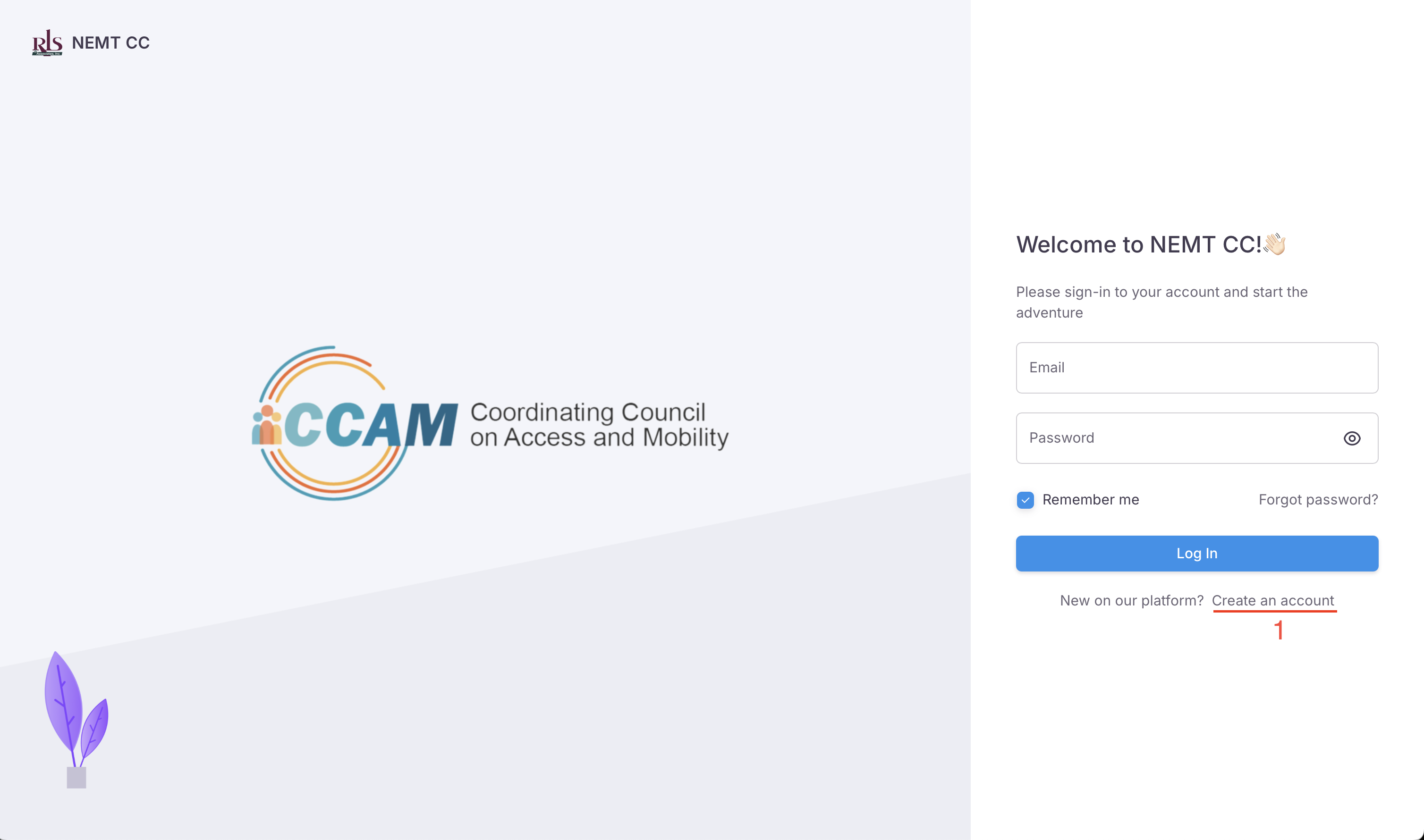
You can create a free account on the NEMT CC by accessing this weblink or from the login page by clicking the hyperlink at the bottom of the sign in form shown in the image below.
Creating an APP account
The first step in the registration process is to create your NEMT CC APP account. This account will login into the app, reset the account password and receive system notifications. In short, this account will be using the APP.
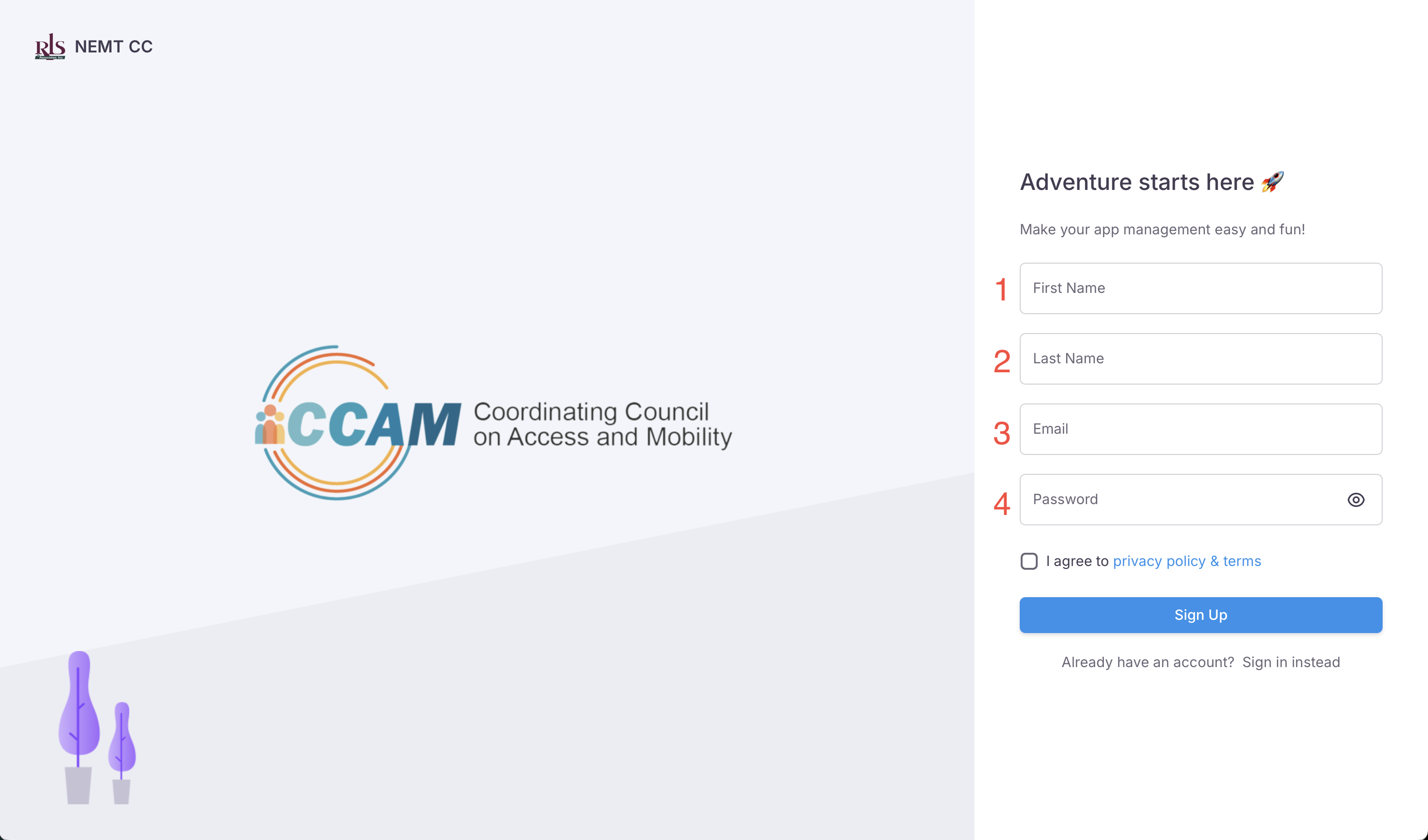
To create an APP account you will need to provide 4 pieces of information. (Image Below)
- First Name
- Last Name
- Password
 App Registration
Agency Info
